
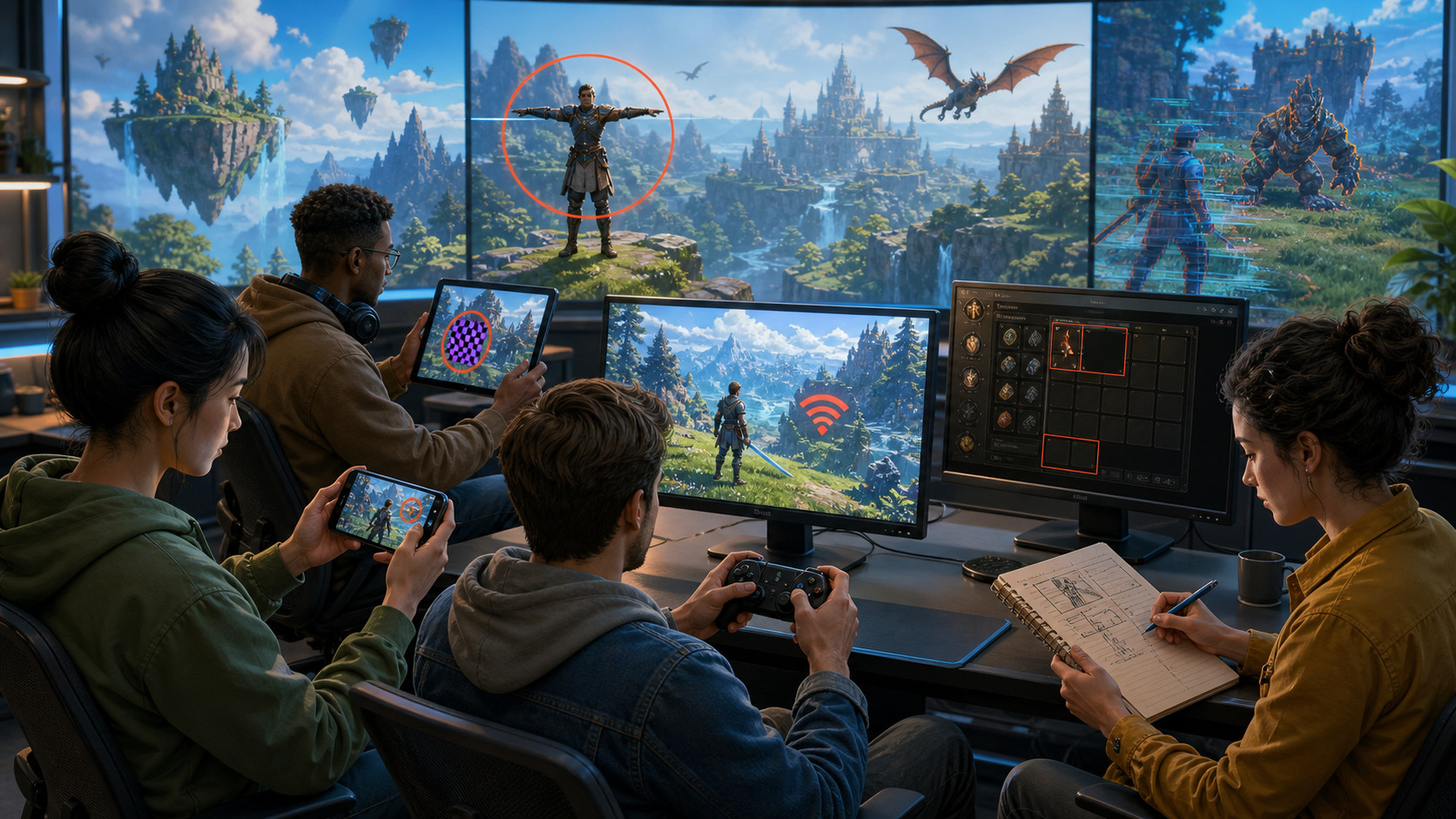
Game testing is one of those parts of development that looks simple from the outside. Play the game, find bugs, report them, fix them, repeat.
In reality, testing a game is much more complicated.
A game can work perfectly on a developer's machine and still crash on a player's phone. A feature can pass every test case and then break when combined with another feature. A build can be technically stable while being frustrating to play because of poor controls, confusing UI, or badly balanced progression.
There is no way to test every possible player action. What a good QA process can do is identify the areas where problems are most likely to appear and make sure they are tested before players find them.
Here are some of the most common mistakes game development teams make when testing their projects.
Starting Testing Too Late
One of the biggest mistakes is treating QA as something that happens at the end of development.
The idea is familiar: developers finish the game, send a release candidate to QA, and testers start looking for bugs. The problem is that by this point, the project may contain thousands of lines of code, hundreds of assets, complicated gameplay systems, and features that depend on each other. Finding a serious problem late can be expensive because fixing it may require changing several other systems.
Testing should start much earlier.
QA can be involved when the first gameplay prototype is ready. Early testing doesn't mean checking every button or writing detailed test cases for an unfinished feature. It means looking at the basic game loop, identifying technical risks, checking whether core mechanics behave as expected, and making sure new systems don't create problems for existing ones.
Finding a design or technical issue when the game is still small is much easier than discovering it two weeks before release.
Testing Only the Happy Path
The happy path is the sequence of actions developers expect players to take.
Open the game. Complete the tutorial. Start a level. Finish it. Receive the reward. Continue to the next level.
Of course, real players don't behave like that.
They close the game halfway through a loading screen. They press buttons repeatedly. They lose their internet connection. They run out of storage. They switch apps in the middle of a match. They rotate the phone. They receive a call. They tap "Buy" and immediately close the payment window.
And sometimes they discover combinations of actions nobody on the development team considered.
That's why testers need to deliberately look for unusual behavior.
For example:
- What happens if the player disconnects during matchmaking?
- What happens if they close the game during a reward animation?
- What happens if they have insufficient currency for a purchase?
- What happens if they tap the same button five times?
- What happens if they restart the game during a tutorial?
- What happens if they finish a level while the network connection is unstable?
A game doesn't need to support every imaginable action, but unexpected actions shouldn't easily corrupt progression or crash the application.
Testing on Only One or Two Devices
This is particularly dangerous for mobile games.
A game can run beautifully on the developer's latest iPhone or Android flagship and still have serious problems on older or less powerful devices.
Mobile hardware varies enormously. Different devices have different:
- screen sizes and aspect ratios;
- GPU capabilities;
- RAM capacity;
- operating system versions;
- refresh rates;
- CPU performance;
- manufacturer-specific software;
- battery and thermal behavior.
There is no practical way to test every phone on the market, so QA teams need a sensible device matrix based on the game's target audience.
Testing should cover representative high-end, mid-range, and lower-end devices rather than simply collecting as many models as possible.
And performance testing shouldn't stop at "the game launches."
A device may run the first level perfectly and start dropping frames after 30 minutes because of memory usage or thermal throttling.
Forgetting Different Network Conditions
A stable Wi-Fi connection is a wonderful environment for testing.
Unfortunately, players don't always have one.
Online games need to be tested under different network conditions, including slower connections, high latency, packet loss, and temporary disconnections.
It's worth checking what happens when the connection:
- disappears during a match;
- comes back after several seconds;
- switches from Wi-Fi to mobile data;
- becomes extremely slow;
- drops while making a purchase;
- disappears while receiving rewards;
- disconnects during synchronization with the server.
Offline behavior matters too.
If a game supports offline play, QA should verify what happens when a player starts offline and later reconnects. Data synchronization can create some particularly unpleasant bugs if local and server states don't match.
Assuming the Game Works Because the Feature Works
A developer finishes a new inventory system. QA opens the inventory, adds an item, removes it, closes the screen, and everything looks fine.
The feature passes.
But what happens when the inventory is used together with the rest of the game?
Maybe selling an item during a network interruption duplicates the currency. Maybe opening the inventory after completing a quest displays an outdated reward. Maybe equipping an item and changing characters causes the wrong stats to appear.
This is where integration testing becomes important.
Game systems rarely exist in isolation.
A new feature can affect:
- progression;
- saving;
- economy;
- UI;
- achievements;
- analytics;
- multiplayer;
- notifications;
- monetization.
A feature isn't truly finished until the team knows how it behaves alongside the systems around it.
Not Testing Save and Progression Properly
Few things make players angrier than losing progress.
Unfortunately, save-related bugs can be difficult to reproduce because they often appear only under unusual circumstances.
QA should test situations such as:
- closing the game during a save;
- losing connection during synchronization;
- switching accounts;
- reinstalling the application;
- changing devices;
- playing offline and reconnecting;
- completing several activities before the next save;
- restoring a previous session.
Cloud saves deserve particular attention.
If a game supports multiple devices, testers need to verify which version of the player's data takes priority and what happens when local and server data disagree.
A player might forgive a minor visual glitch. Losing ten hours of progression is a completely different story.
Treating Performance Testing as a Final Check
Performance is not something that should be checked only before release.
A game can gradually become slower as new features, effects, assets, and systems are added.
In Unity projects, for example, QA and developers may need to watch for problems related to memory usage, draw calls, loading times, garbage collection, CPU/GPU load, and asset management.
Performance testing should look at real gameplay rather than isolated scenes.
Useful scenarios include:
- long play sessions;
- busy combat scenes;
- large numbers of objects on screen;
- repeated scene loading;
- switching between menus and gameplay;
- backgrounding and reopening the application.
On mobile, battery usage and device temperature can matter too.
A game that runs at 60 FPS for five minutes but overheats the phone after an hour isn't really optimized.
Ignoring Monetization Testing
In-app purchases and advertising deserve the same attention as gameplay.
A purchase flow can involve the client, backend, payment provider, store platform, inventory, and analytics. There are plenty of opportunities for something to go wrong.
Testers should check both successful and unsuccessful scenarios.
For example:
- purchase succeeds;
- payment fails;
- purchase is cancelled;
- connection disappears during payment;
- player receives the item more than once;
- player pays but doesn't receive the item;
- purchase is restored after reinstalling;
- transaction is interrupted;
- currency is added correctly;
- the correct analytics event is sent.
Ads need testing too.
Rewarded advertising is a particularly common source of problems. What happens if the player watches the video but closes the game before the reward screen appears? What happens if the ad fails to load? Can the reward be claimed twice?
These cases need to be considered before launch.
Forgetting Localization Testing
Replacing English text with translated text isn't enough to properly test localization.
Different languages can dramatically change the size of UI elements. A button that comfortably fits "Play" might not have enough space for its equivalent in another language.
Testers should check:
- text overflow;
- clipped labels;
- broken fonts;
- incorrect translations;
- date and number formats;
- currencies;
- right-to-left languages where applicable;
- subtitles and dialogue;
- localized images and icons.
Screenshots and marketing assets can also contain text, which makes localization more complicated than simply translating strings in the game database.
Not Running Regression Tests
A bug gets fixed. The tester verifies the fix. Everyone moves on.
Except the fix accidentally breaks something else.
This is why regression testing is so important.
Whenever a significant change is introduced, QA should check the features that could reasonably be affected by it. The larger the project becomes, the more difficult this gets to manage manually.
A regression suite helps make sure important functionality continues to work after new changes.
It doesn't mean running every test after every line of code. The scope can be adjusted based on the changes made and the risk involved.
Relying Too Much on Automated Testing
Automation is extremely useful for game development, but it isn't a replacement for human testers.
Automated tests are great for repetitive and predictable checks. They can quickly verify things such as backend responses, calculations, APIs, basic UI behavior, and other repeatable scenarios.
But automation has limits.
A script can tell you that a button works. It may not tell you that the button is confusing, too small, badly positioned, or difficult to notice.
It can verify that a level loads. It won't necessarily tell you that the level is boring.
Good QA usually combines automation with manual testing rather than treating them as competing approaches.
Not Testing After the Release Build Is Created
Sometimes the build that goes to the store isn't the same build that QA tested.
Signing configurations, build settings, store integrations, asset bundles, server environments, or last-minute changes can introduce new problems.
A release candidate should therefore receive a final round of testing in the environment as close as possible to the production setup.
For mobile games, this includes checking the actual release package, installation, updates from previous versions, first launch, permissions, purchases, analytics, and critical gameplay flows.
The goal is simple: don't let the first real production test be performed by your players.
Final Thoughts
There is no way to make a complex game completely bug-free. The number of possible devices, player behaviors, network conditions, feature combinations, and technical environments makes that unrealistic.
The goal of professional QA is different: find the problems that matter before players do.
That requires testing early, thinking beyond the happy path, understanding the game's technology, using real devices, checking the interaction between systems, and keeping regression testing under control as the project grows.
At Melior Games, QA is part of the development process. Our teams test games across different devices, verify gameplay and technical functionality, check integrations and monetization, and help identify problems before they reach players.